
Are you tired of always using Google for your searches? Maybe you’re curious about other options or concerned about privacy. Whatever the reason, it’s good to know that Google isn’t your only choice.
Google is the biggest search engine, making up 88.01% of the US search market as of September 2024 and handling almost 79.07% of desktop searches (Dec 2024) worldwide. But just because it’s popular doesn’t mean it’s the only one out there. Many other search engines offer different features, better privacy, and even some cool extras like rewards or supporting good causes.
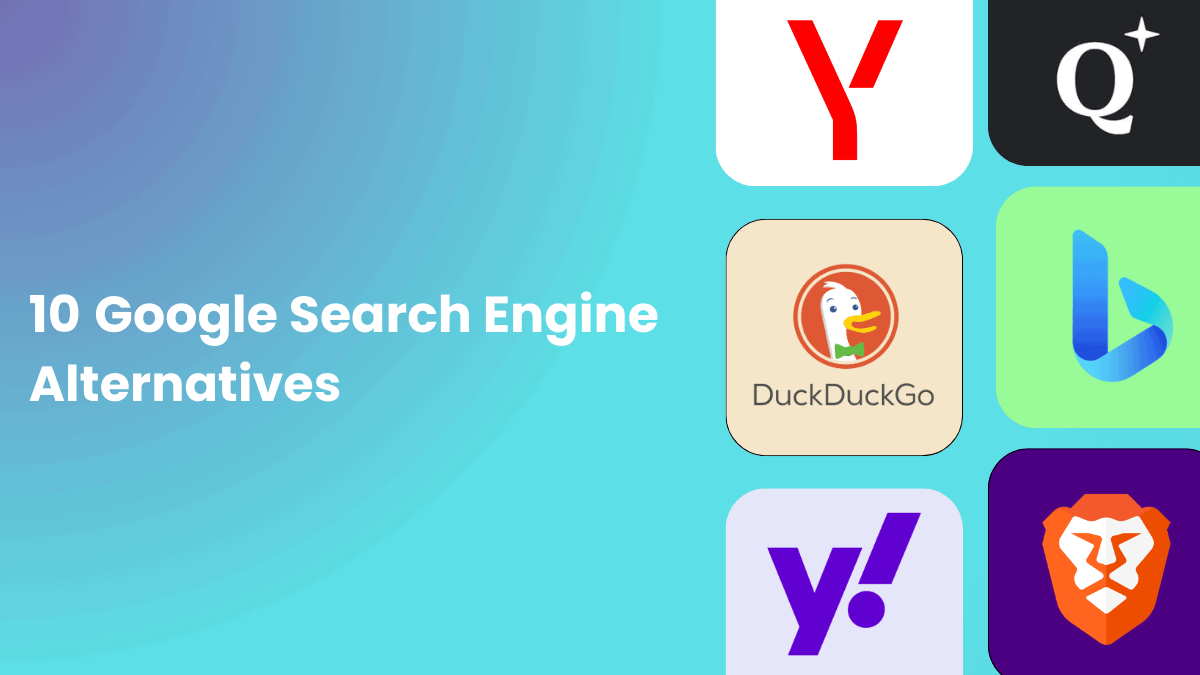
In this post, we’ll introduce you to 10 great Google search engine alternatives you can use in 2025. These search engines might surprise exciting options, but first, let’s talk about Google.
Google Search
Google handles about 2 trillion searches annually, meaning 70,000 searches every second or 5.8 billion daily. Google is the most popular search engine in the world. It’s famous for providing fast, accurate search results and has a simple, easy-to-use design.
When you search on Google, it uses a smart algorithm to find the most relevant information based on your location, search history, and other factors. This makes it easier to find what you’re looking for quickly.
Along with desktop searches, Google also leads the US mobile search market with 95.17% share and dominates the global mobile search market, controlling 95% of it.
One of the reasons people love Google is its speed. It delivers results almost instantly, so you don’t have to wait. Plus, Google works well with other services like:
and many more services. Making it convenient to stay connected within its platform. Google has evolved beyond just being a search engine; it’s now a comprehensive ecosystem.
However, there are some downsides too. Google collects a lot of data to personalize your search experience, which can raise privacy concerns. Also, you might notice ads and sponsored results in your searches, which can sometimes be distracting.
While Google is great for finding information quickly, it’s always good to explore other search engines too. They might offer features that better suit your needs, especially if you value privacy or want fewer ads. So, without any further ado let’s explore some great Google alternatives today.
10 Google Alternative Search Engines
Here are some excellent alternatives to Google. These search engines have unique features that might better suit your needs, whether you’re after more privacy, eco-friendly options, or something tailored to a specific region. Let’s explore each one in depth.
DuckDuckGo
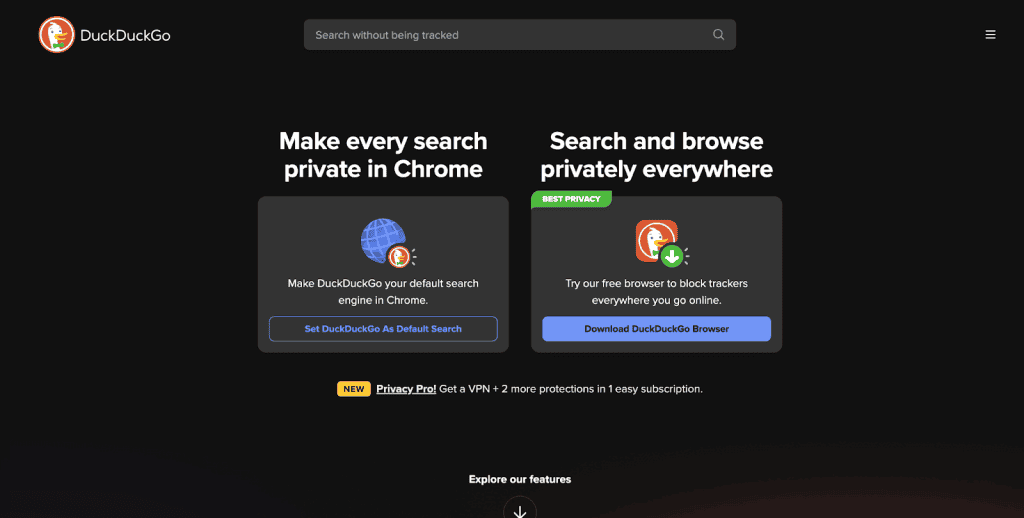
Have you ever felt like search engines know too much about you? DuckDuckGo is here to change that.
It’s a search engine that puts your privacy first. Unlike other search engines, DuckDuckGo doesn’t track your searches, store your personal information, or follow you around with ads based on your search history.
According to Backlinko, DuckDuckGo holds 0.54% of the global market share, ranking as the fifth most popular search engine.
What makes DuckDuckGo different?
- Complete Privacy: DuckDuckGo doesn’t collect your personal data or store your search history. This means you can search without worrying about your information being used.
- Unbiased information: While other search engines show results based on what they think you like, DuckDuckGo gives everyone the same search results. This way, you get unbiased information.
- Built-in Privacy Tools: DuckDuckGo comes with extra privacy features like HTTPS encryption and a browser that blocks trackers.
Pros and cons
| Pros | Cons |
|
. Strong privacy protection: Your data is not collected or tracked. . Minimal advertising: You won’t see ads that follow you around. |
. Fewer search customization options: You might miss some features like personalized results. . Less detailed search results: It may not have as much information as Google or Bing. |
Bing
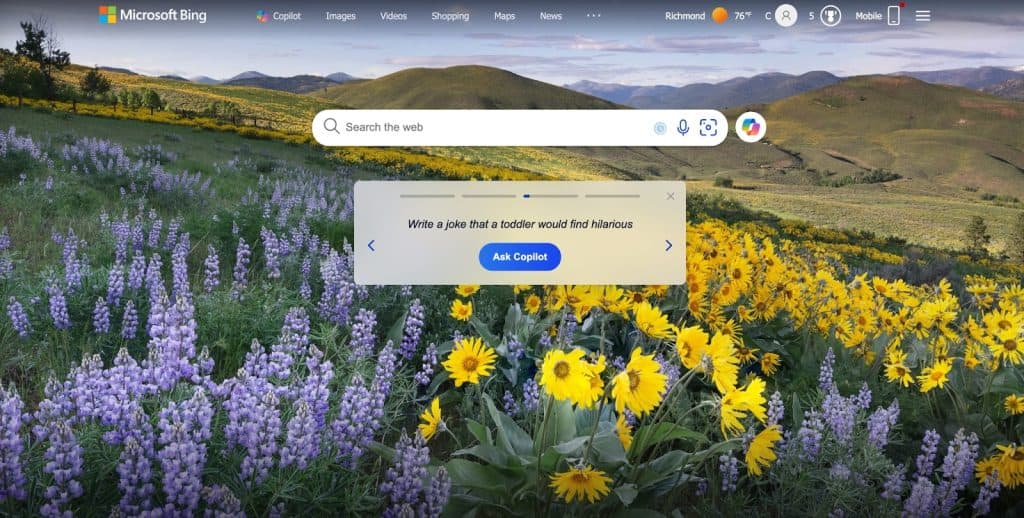
With a 3.98% global market share across all platforms, Bing, Microsoft’s search engine, is the second most popular after Google. It started in 2009 and grew from earlier Microsoft search engines like MSN Search and Live Search. While Bing has a smaller market share than Google, it still handles billions of searches every month.
What makes Bing stand out?
- Rich search experience: Bing offers detailed search results with lots of images and videos. When you hover over video thumbnails, they start playing, helping you decide if it’s what you need.
- AI integration: Bing uses AI to make searching easier. With features like Copilot, powered by ChatGPT, Bing remembers your previous searches to help refine new ones. It also provides links to its sources, making it easy to find more information.
- Microsoft rewards program: You can earn points for searching with Bing. These points can be redeemed for movies, games, and more, making your search experience rewarding.
- Bing webmaster tools: If you have a website, Bing helps you track its performance, similar to Google Search Console.
Key features:
- Image and Video Search: Bing excels in searching for images and videos, offering a more visual experience.
- Voice Search: Bing can also answer your questions out loud, making it a handy tool when you can’t type.
Pros and cons
| Pros | Cons |
|
. Offers a rich, visual search experience with helpful previews for videos. . Provides smart search tools like AI chat and natural language processing. . You can earn points for using Bing, which you can redeem for various rewards. |
. Fewer people use Bing compared to Google, which means less frequent updates. . Some features may work best if you’re already using other Microsoft products. |
Yahoo!

Yahoo holds 1.98% global market share across all platforms, it has been around for a long time, even before Google, since 1994. It was once the most popular search engine, especially in the late ’90s and early 2000s. Today, Yahoo is still a good alternative to Google, offering more than just search results. It also provides services like Yahoo Finance, Sports, and Mail.
What makes Yahoo stand out?
- Yahoo Services Integration: If you already use Yahoo’s services, like Yahoo Mail or Finance, you’ll find their search results useful. For example, searching for a company will show you financial data right away.
- News and Media Focus: Yahoo is great for searching news. It has a clean layout with trending topics, personalized news feeds, and integrated videos.
- Privacy Options: Yahoo now offers privacy features like secure search and private browsing to keep your search history private.
Key features:
- Diverse Content Integration: Yahoo integrates news, sports, and finance directly into the search results.
Pros and cons
| Pros | Cons |
|
. Yahoo combines many different services into one, making it a one-stop-shop for information. . Yahoo has been around for years and is a trusted name. |
. The homepage can feel a bit cluttered with so much information. . Yahoo relies on Bing for its search results, which might not be as innovative as other search engines. |
ChatGPT Search
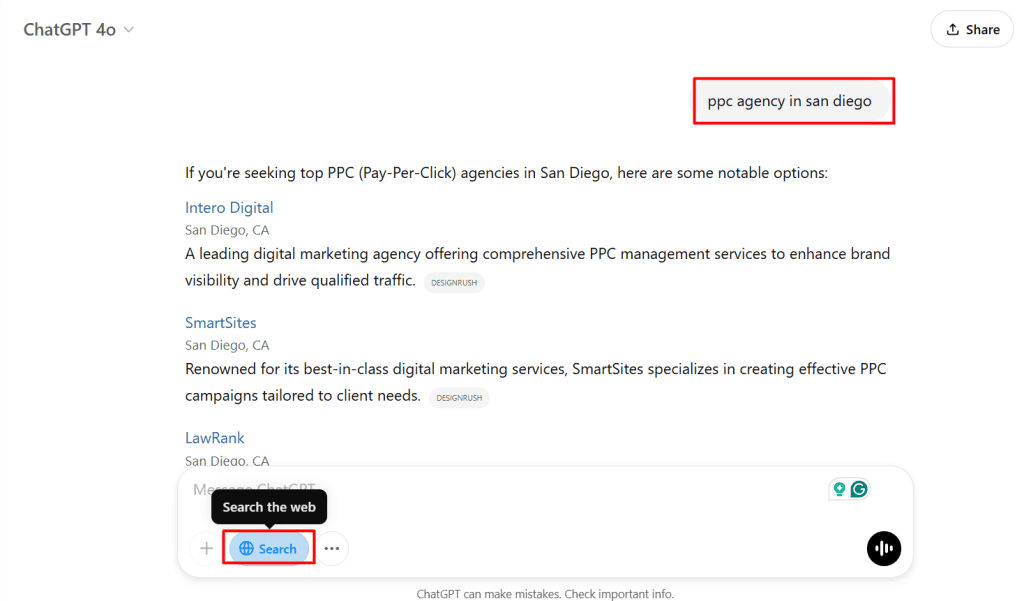
ChatGPT Search is a tool that helps you find up-to-date information from the web. It can check the latest news, look for specific details, and answer questions that need fresh data. Instead of relying only on stored knowledge, it searches the internet to give better and more accurate answers.
What makes ChatGPT Search Stand Out?
- It provides up-to-date information from the web, unlike regular ChatGPT, which relies on stored knowledge.
- It helps find real-time news, local details, and fresh data for accurate answers.
Pros and Cons of ChatGPT Search
| Pros | Cons |
|
. Finds the latest and most updated information. . Helps with local details like weather, events, and businesses. . Can check multiple sources for better accuracy. |
. Might not always find the exact answer. . Some websites may have incorrect or misleading information. . Needs an internet connection to work. |
StartPage
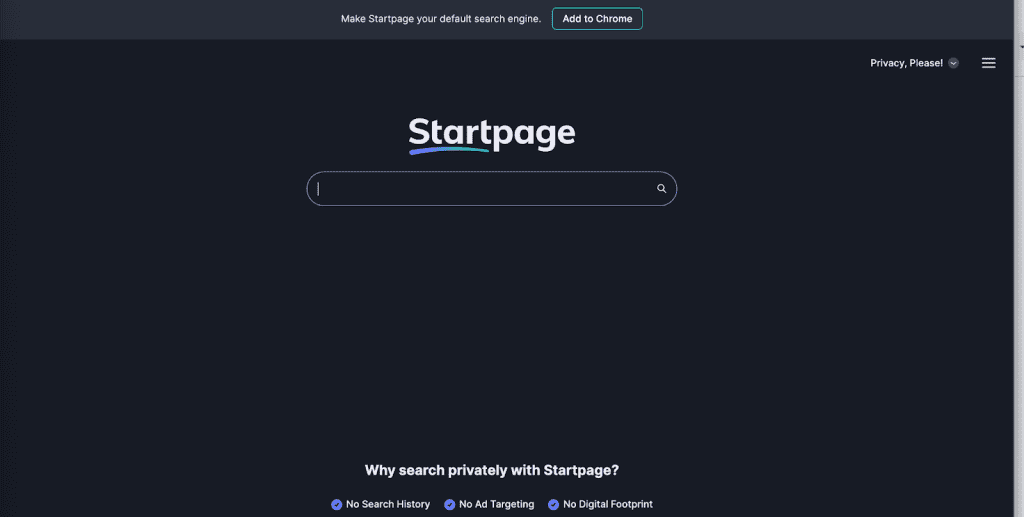
Startpage is a great search engine if you care about your privacy. Just like DuckDuckGo, Startpage doesn’t track or collect any personal information. It’s perfect for anyone who wants to keep their online searches private.
Startpage.com gets 94.49% of its traffic directly, while only 0.38% comes from Google. It is based in the Netherlands, where strict privacy laws protect users. Since 2006, Startpage has focused on giving people more control over their online privacy.
What makes Startpage different?
Startpage offers a private way to search the web, while still giving you high-quality results. Here’s what you can expect:
- Privacy-Focused: Startpage doesn’t track your IP address or store any personal data. It also doesn’t use cookies to follow you around the internet.
- Google search results: Even though Startpage values privacy, it still gives you the search results from Google. But it shows these results in a clean, ad-free way, without personalizing them based on your search history.
- Anonymous view: This special feature lets you browse websites without anyone knowing who you are. It works like a private proxy, hiding your information from the sites you visit.
Pros and cons of Startpage
| Pros | Cons |
|
. No tracking: Your data stays private, and Startpage doesn’t track you. . You get the same quality of search results as you would with Google, but with privacy. . The Anonymous View lets you explore websites without leaving a trace. |
. Startpage isn’t as well-known as Google, so it may not have all the extra features Google offers. . Startpage focuses mainly on privacy, so it doesn’t have as many special tools or features as some other search engines. |
Swisscows
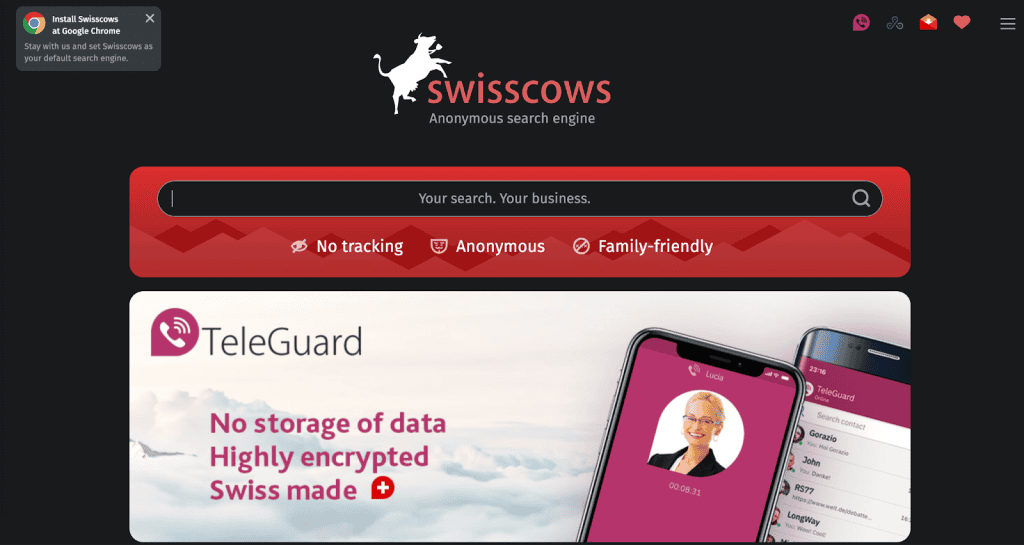
If you’re looking for a search engine that values your privacy and provides safe, family-friendly results, Swisscows is a great choice. This search engine started in 2014 and operates from Switzerland, which is known for strong privacy laws.
What makes Swisscows stand out?
- Privacy focused: Swisscows does not track or store any of your data. This means your searches stay private, and you can browse without worrying about being monitored.
- FamilyfFriendly: Swisscows automatically filters out adult content, making it a safe option for kids and families. It ensures that all search results are appropriate for all ages.
- Semantic search technology: This feature helps Swisscows understand the context of your searches, offering more accurate results. It also supports multiple languages and lets you see a summary of the results with the click of a button.
Key features:
- Data Integrity: Swisscows doesn’t save personal data, ensuring a secure browsing experience.
- Anonymous Preview: You can preview a website without clicking on it, so the site doesn’t know you’ve visited. This helps keep your browsing even more private.
- Music Search: Besides searching for websites, images, and videos, Swisscows also lets you search for music and play songs through SoundCloud.
Pros and cons
| Pros | Cons |
|
. No data tracking or storage. . Filters out harmful content automatically. |
. It’s designed for a specific audience, mainly those looking for privacy and family safety. . Compared to bigger search engines like Google, Swisscows has fewer features. |
Gibiru
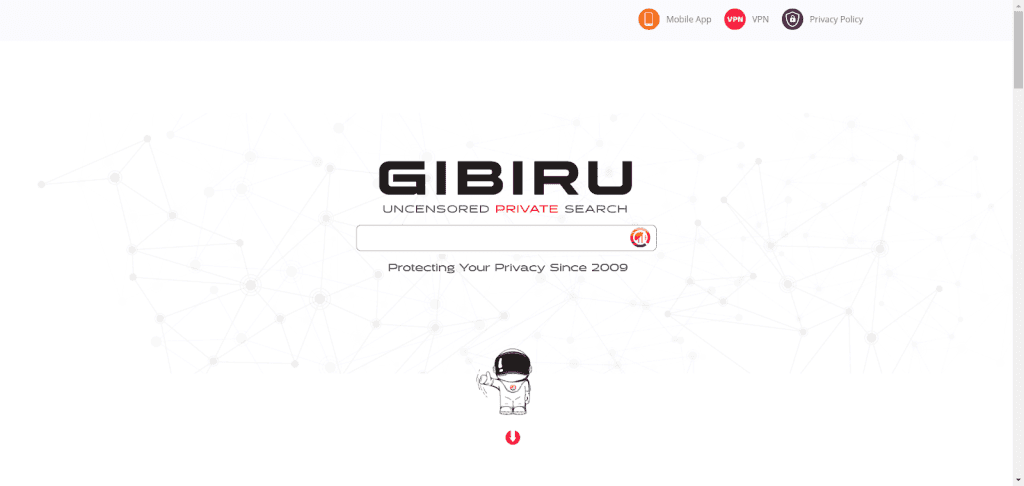
If you’re looking for a search engine that values your privacy and offers uncensored results, Gibiru might be a good fit. It uses a modified version of Google’s algorithm but removes the tracking that Google is known for.
What makes Gibiru stand out?
- Privacy focused: Gibiru does not track your searches or store personal information. It also avoids using cookies that track your online activity.
- Uncensored search: Unlike some search engines that filter content, Gibiru allows you to see unfiltered search results. This can be useful if you’re looking for content that might not show up on more traditional search engines.
- Optional proxy service: For even more privacy, Gibiru offers a proxy service that hides your IP address while you search.
- Fast search results: Despite its focus on privacy, Gibiru is designed to deliver quick search results, so you don’t have to wait long for your answers.
Key features:
- No Tracking Cookies: Keeps your browsing private by not installing tracking cookies.
- Censored Content Toggle: Allows you to switch between seeing all results or only uncensored content.
- Mobile Browser: Gibiru offers a mobile web browser called Gibiru Wormhole for private browsing on the go.
Pros and cons
| Pros | Cons |
|
. No tracking or personal data storage. . See the full range of search results without censorship. . Quick results even with privacy measures in place. |
. Gibiru doesn’t have the advanced features or polished look of bigger search engines. . It lacks some tools and options that you might find on more established platforms. . Being less well-known, some users might be unsure about its reliability. |
Brave
Looking for a search engine that keeps your privacy in mind? Brave Search might be just what you need. It’s from the creators of the Brave browser, known for its strong focus on user privacy.
Brave search doesn’t track your searches or store your personal data, making it a great option for those who want a more private browsing experience. As of July 2024, Brave reported over 68.2 million monthly active users.
What makes Brave search stand out?
- True independence: Unlike other privacy-focused search engines that use Google or Bing, Brave Search has its own web crawling system. This means it’s not dependent on big search engines for results.
- Privacy first: This search engine doesn’t collect personal information, track users, or use targeted ads.
- AI-enhanced results: Brave offers a unique feature called the “Answer With AI” button, which provides AI-powered answers alongside regular search results. There’s also a “Discussions” section that shows content from forums like Reddit.
- Customizable filters: With Brave’s Goggles feature, you can filter your search results based on specific topics, like removing celebrity news or focusing on content from certain political perspectives.
Key Features:
- Privacy-focused: Brave Search does not track users or keep a history of their searches.
- Independent indexing: It uses its own index to provide search results, which helps maintain privacy.
- User rewards: You can earn cryptocurrency (Basic Attention Tokens, or BAT) by viewing privacy-respecting ads through your browser.
Pros and cons
| Pros | Cons |
|
. No tracking or personal data collection. . You can earn BAT while using the Brave browser. . Keeps your information safe from third-party trackers. |
. As a newer search engine, its results may not be as extensive as Google’s or Bing’s. . It doesn’t have as many features or connections with other services as the big search engines. . Brave is still growing, so not everyone may be familiar with it. |
Yandex
Yandex is a popular search engine, especially in Russia and Eastern Europe. If you’re looking for something different from the usual western search engines like Google, Yandex might be a great choice. It’s not just a search engine; it’s a whole tech ecosystem that includes everything from ride-hailing to e-commerce.
With 2.56% of Search Engine Market Share Worldwide, Yandex has become the go-to search engine in Russia, where it understands the Russian language better than most Western search engines. If you’re interested in regional content from Russia or Eastern Europe, Yandex is a strong option.
What makes Yandex special?
- Focused on the Russian market: Yandex is tailored for Russian users, with services that cater to the local language and culture. It’s great for finding Russian-language content or services.
- Advanced technology: Yandex uses machine learning to improve search results, helping you find what you’re looking for faster and more accurately.
- Integrated services: Just like Google, Yandex has a full range of services, such as cloud storage, maps, email, and even a web browser.
Unique features of Yandex
- Regional dominance: Yandex understands the Russian language better than Western search engines, making it the best for anyone looking for content related to Russia or Eastern Europe.
- Powerful image search: Yandex’s image search stands out with features like finding similar images, face recognition, and advanced sorting options.
- Built-in translation: If you need to read Russian-language pages, Yandex can automatically translate search results into your preferred language.
Pros and cons
| Pros | Cons |
|
. Yandex provides a better experience for Russian-language searches and regional content. . It’s more than just a search engine, offering tools like cloud storage, maps, and email. |
. Some users have raised privacy issues with Yandex, so it’s important to be aware of that. . While Yandex is growing, it’s still mainly focused on the Russian market and not as widely used in other countries. |
Qwant
Qwant is a search engine based in Paris, France, that focuses on protecting your privacy. Unlike Google, Qwant doesn’t track your search history or personalize results based on what you’ve searched before. It promises to keep your browsing safe and private.
Qwant uses its own indexing robots to find webpages, but it also gets results from Microsoft Bing, Twitter, YouTube, and iTunes. It’s designed to give you search results without tracking your activity, and it doesn’t show personalized ads like some other search engines do.
What makes Qwant stand out?
- Privacy protection: Qwant doesn’t track or store your search history. This means no one can create a profile of you based on your searches. Your privacy is their top priority.
- Music search: One unique feature of Qwant is its music search. You can directly search for music, which is really useful if you’re a music lover.
- Kid-Friendly: Qwant also offers a version of its search engine called Qwant Junior, which is designed to be safe and easy for kids to use.
Pros and cons
| Pros | Cons |
|
. Your data and search history aren’t tracked or stored. . You can easily find music directly through Qwant. . Qwant Junior makes it a good choice for younger users. |
. Qwant isn’t as well-known or widely used as Google, so its search results might not be as complete. . Sometimes, Qwant’s search results might not be as detailed or broad as what you’d find with other search engines. |
Which Google Alternative should you choose?
- DuckDuckGo is a great choice if you value your privacy and want to avoid the feeling of being watched online. Give it a try and see how it works for you!
- Bing is a great alternative if you want a search engine with strong visual features and AI integration. Plus, the rewards program is a nice bonus for regular users!
- Yahoo is a solid option if you’re looking for a search engine that offers more than just search results. Its integration with other services makes it a helpful tool for finding a wide range of information.
- ChatGPT Search is more than a Search engine, you can ask your queries, find latest updates, and get everything in an organized manner.
- Startpage is a great option if you’re looking for privacy without giving up Google search results.
- Swisscows is a perfect choice if you want a search engine that respects your privacy and keeps your searches safe for all ages.
- Gibiru is a simple, privacy-focused search engine that’s great for anyone who wants uncensored search results without being tracked.
- Yandex is a powerful search engine, especially if you’re interested in Russian-language content or services. It’s a good choice for those looking to explore beyond Western tech giants.
- Brave Search is a great option if you want a search engine that values your privacy and offers a unique browsing experience. Try it out and see if it fits your needs!
- Qwant is a great option if you care about your privacy and want a safer alternative to Google. It’s especially good if you’re looking for a search engine that doesn’t track you and gives you a more private browsing experience.
Conclusion
Many search engines offer unique features beyond Google. For privacy, try DuckDuckGo or StartPage. If you’re curious about regional options, explore Yandex. Some focus on eco-friendly initiatives, while others cater to specific needs. You can also use ChatGPT Search, people are using it for its search capabilities.
Exploring these alternatives could enhance your browsing experience, align with your values, and open up new possibilities. Google isn’t the only choice, so why not give these options a try?
FAQs
What is the full form of Google?
Google stands for “Global Organization of Oriented Group Language of Earth.”
What is Google Search?
Google Search is an automated search engine that uses web crawlers, special software that scans the internet to find and add pages to its index.
How do I use Google Search?
You can use browsers like Chrome, Firefox, or Safari. Just open your browser, type “www.google.com” in the address bar, and press enter.